
Forum Replies Created
-
AuthorPosts
-
At this stage it looks like Wednesday 17th June may be the next option for Flying at the Field.
Light winds in the morning dropping out before midday, the rest of the week from now till then is either wet, windy or both.
I’ve cleaned out all the previous posts to this topic as it was starting to get a bit messy & confusing but I think it’s a good idea to get a feel for what MAY be happening before the actual Calendar post goes up (which often happens at short notice).
Looks like a reasonable turn up for a cold and miserable day.
Something a bit different to look at video wise anyway.
Hope the weather improves next week.
I had a look at the weather for Saturday & it is predicted to be very windy & cold.
Best leave till next week.
How it happened, according to the Frog. Back to his old tricks again. Never ever let the truth stand in the way of a good and entertaining story. Bravo Mr Frog.
Hoppy’s videos from today
From that pic it looks like the “Small Buggar” has been enjoying far too much moose !
“small buggar” is that some NEW breed of frog?
I could find reference to a “Lumo Buggar” but not a “Small Buggar”

As we don’t need two separate topics for the day & Kermit has far more content than I, Ill move my post to this one.
Moose’s Triumphant Return to the Canal
Well it has been a long time coming and over the months we have seen many appearances of the Moose imposter (being Kermit the Frog in disguise) but today we were treated to the triumphant return to the fold of the genuine one and only Mr Moose himself. No imposter this time, the genuine article.
Moose has been absent from both RC sailing & flying for many months due to some ongoing medical conditions but today he was back & raring to go. I reckon we will see him at flying next time out as well.
We had five hardy skippers braving the chilly morning today, Moose, Kermit, Pete, RonB & yours truly and once the sun came out it was quite a pleasant day although with only light to very light winds (more suited to flying) . We also had an impromptu visit from Uncle G on his way home from hanging out with the Marine Modellers group @ the far end of the canal.
We sailed 65’s & 95’s and of course the Sydney 36 and toughed it out till around 11:45 then finished up early for the customary BBQ lunch.
The Council have not yet seen fit to reactivate the electric BBQ’s at the site but luckily Kermit & I both had our twin burner portable gas BBQ’s at hand so no one went hungry.
Overall another fine day enjoyed with friends doing what we enjoy best, nothing.
Great to have you back Moose, hope your health luck is better for the latter 6 months of the year than it was for the former.
Yes Chris it was, unfortunately.
No crash video as I had just removed the FPV platform to test the performance of the larger 3 blade prop. Obviously too much performance for me to handle!!
Operator error – what else can I say, it was just one of those days.
Looking a bit worse for wear at the moment.
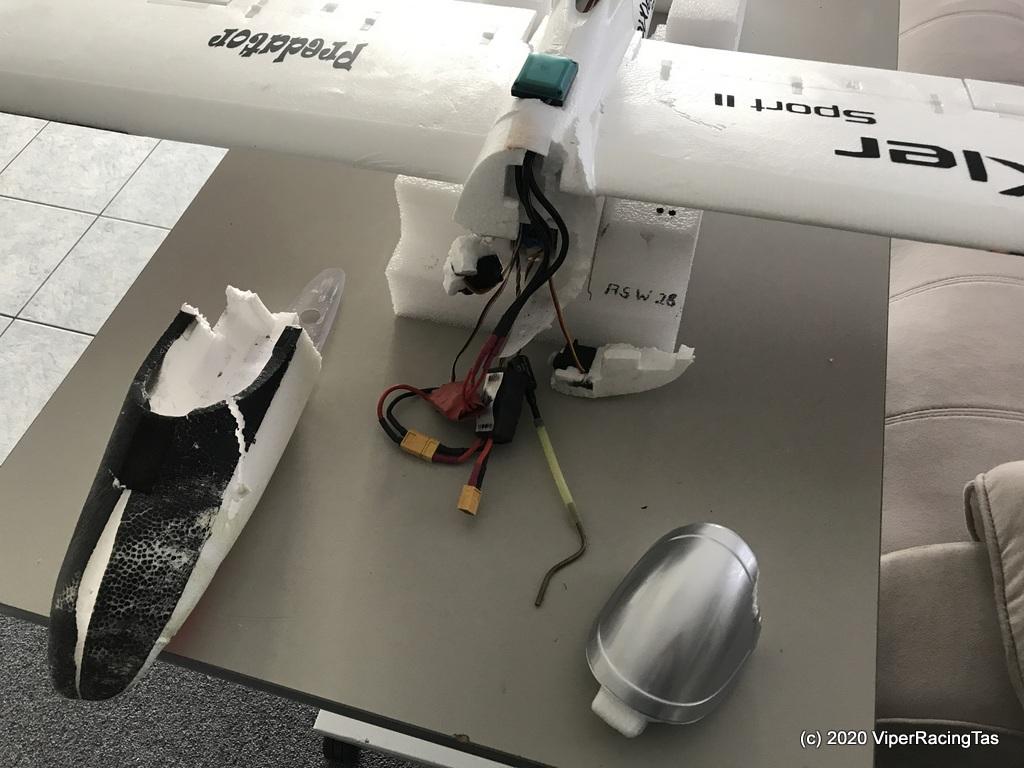
Just about to start repairs, shouldn’t take too long. I’ve fixed worse, at least this is mostly a clean break.
Bad day all round as far as the poor planes went, but still another fun day was had by all!!.
The jury is still out on the larger 7 x 4 – 3 blade prop but at least it’s a lot quieter than the 6 x 5 – 3 blade one.
Unfortunately I pranged it on the second test flight after removing the FPV gear.
Just make sure they have the hotplate with it. Most of the cheaper 2 burner BBQ’s DON’T have the hotplate and it is difficult to get as a spare.
If it has the hotplate it is around 50% off so a good buy. Normally just under $100.00 these days.
Your sloper flew very well Ron, especially giving it was your first try.
Well done
Kermit, me old mate, I’m afraid MTT Green doesn’t work for me.
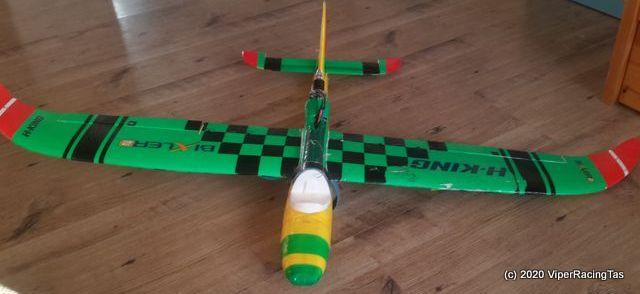
After flying fast in the strong wind yesterday with the Bix 2 Sport and the little mishap over lunch when she was picked up and cart wheeled along the ground by a very strong wind gust, the original water transfer stickers (that I quite liked)…….
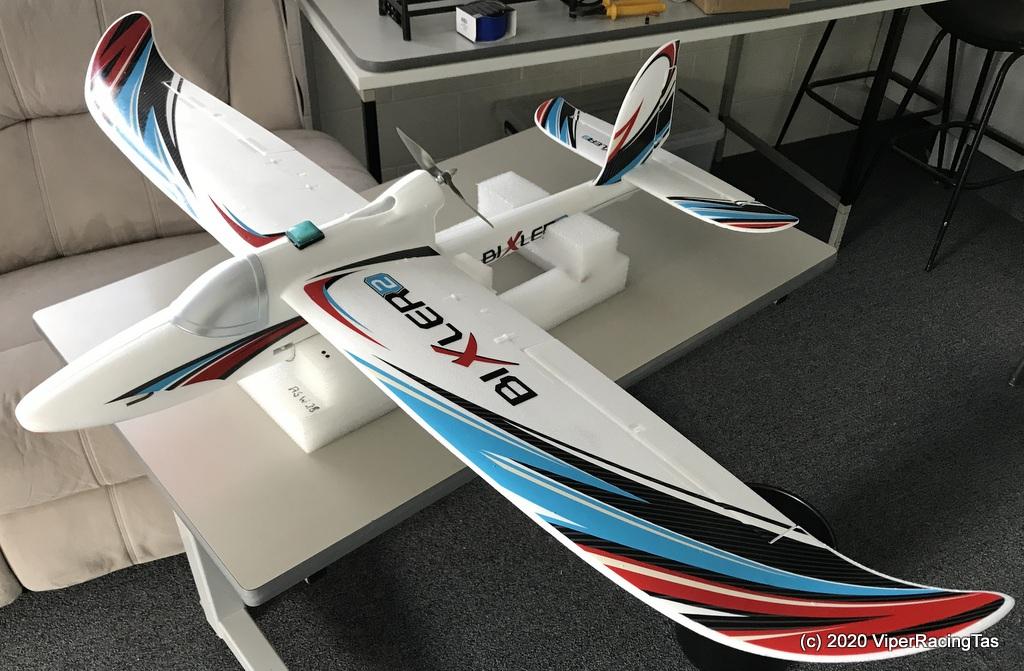
……. were unfortunately a little (well actually a lot) worse for wear so today whilst repairing the damaged wing tip & rudder (from the same incident) I decided to remove all the stickers & come up with a new, painted on colour scheme.
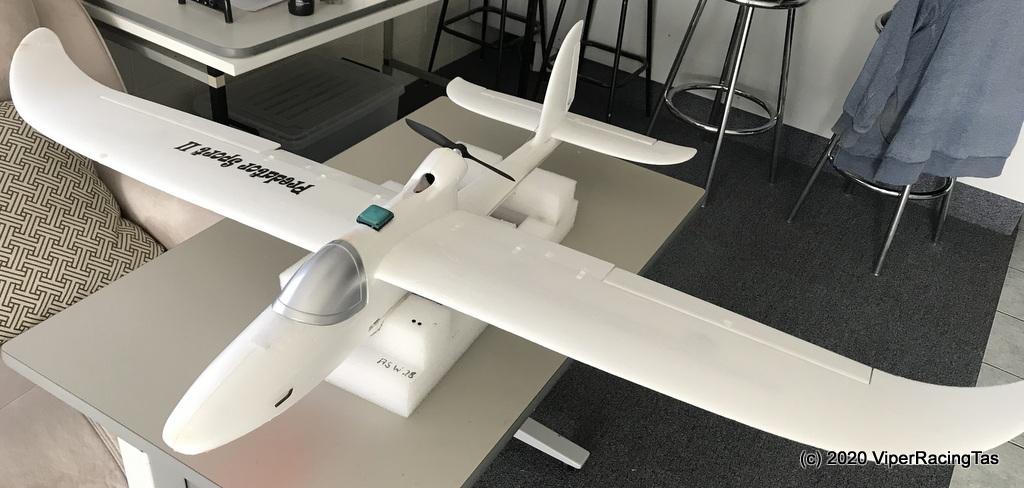
Repairs have been completed and all the old water transfer stickers removed. Now to just decide on a colour scheme.
My original Bix 2 Predator Sport was a Red & Black colour scheme on top & Orange underneath so need something a bit different this time.
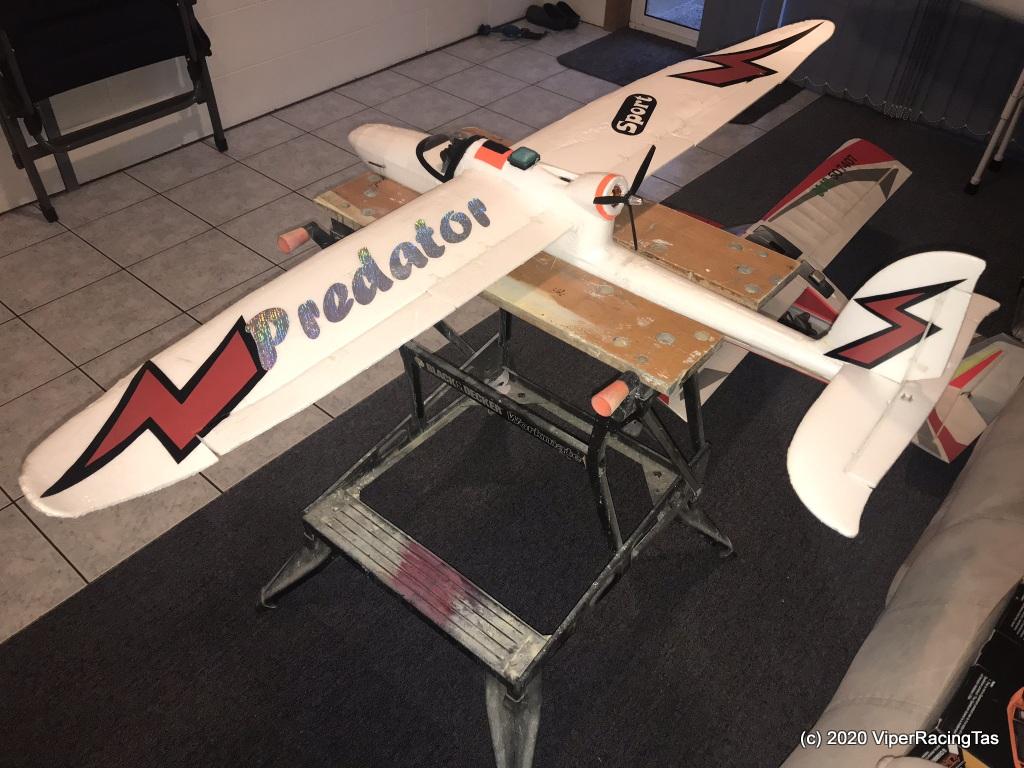
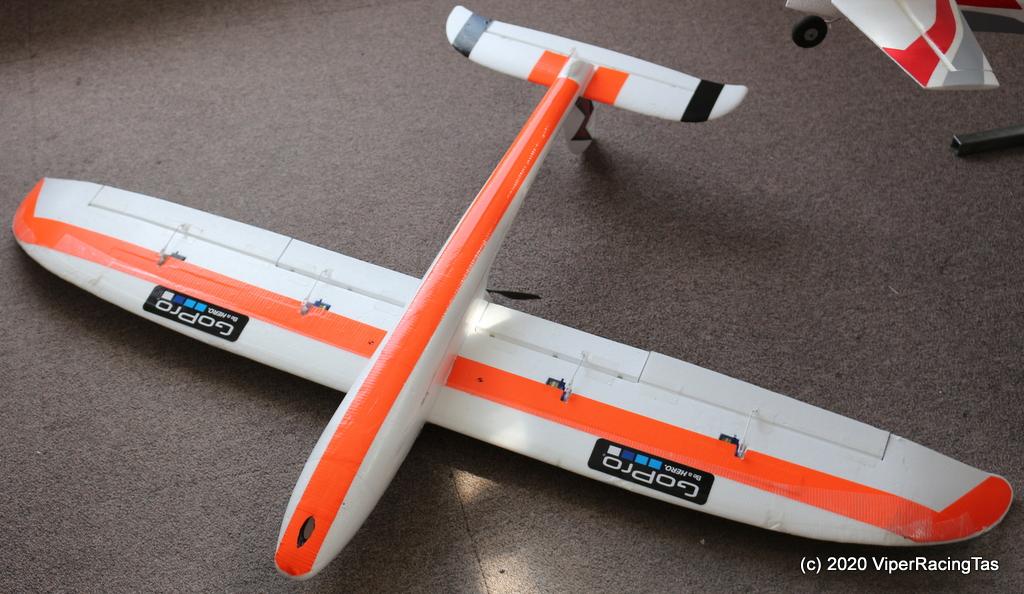
Bad Angel (Ross) also has a similar problem with his Bix 3 with all the original stickers looking more tattered every time he flies. After a strip down & clean he is proposing an all black livery for his so I guess I can go with anything except all black!! Maybe Hot Pink all over, then again perhaps not.
-
AuthorPosts
